










MOBILE MEMBER SIGN-UP — Philippines Guide
step 1
This page provides guidance for joining Atomy in the Philippines.
All actual registration is done only through the Official Site below.
Use the guide images and enter the information step by step.
– Official site link –
step 2
Below the login form, tap “Join Us” to start the registration process. Follow the on-screen steps to continue.
![[join-atomy]-Mobile-Philippines-Memer-Registration_Step-1](https://join-atomy.com/wp-content/uploads/2025/09/join-atomy-Mobile-Philippines-Memer-Registration_Step-1.png "join-atomy-Mobile-Philippines-Memer-Registration_Step-1")
step 3
Tap the “Join Us” button below the login form to begin. You’ll be guided through each required step.
![[join-atomy]-Mobile-Philippines-Memer-Registration_Step-2](https://join-atomy.com/wp-content/uploads/2025/09/join-atomy-Mobile-Philippines-Memer-Registration_Step-2.png "join-atomy-Mobile-Philippines-Memer-Registration_Step-2")
step 4
Start as a Consumer or a Distributor — 100% Free
When you register as a Distributor, your member account will be set as a Distributor account.
Select this option if you want to start a business.
Consumer members can upgrade to a Distributor at any time.
![[join-atomy]-Mobile-Philippines-Memer-Registration_Step-3](https://join-atomy.com/wp-content/uploads/2025/09/join-atomy-Mobile-Philippines-Memer-Registration_Step-3.png "join-atomy-Mobile-Philippines-Memer-Registration_Step-3")
step 5
Tick every required checkbox to accept the terms and conditions. Then select “Next” to move forward.
![[join-atomy]-Mobile-Philippines-Memer-Registration_Step-4](https://join-atomy.com/wp-content/uploads/2025/09/join-atomy-Mobile-Philippines-Memer-Registration_Step-4.png "join-atomy-Mobile-Philippines-Memer-Registration_Step-4")
step 6
Verify your email address to proceed. Once it’s successfully confirmed, select “Next” to move forward.
![[join-atomy]-Mobile-Philippines-Memer-Registration_Step-5](https://join-atomy.com/wp-content/uploads/2025/09/join-atomy-Mobile-Philippines-Memer-Registration_Step-5.png "join-atomy-Mobile-Philippines-Memer-Registration_Step-5")
step 7
Fill in your personal details and address accurately. After that, select “Next” to move to sponsor selection.
![[join-atomy]-Mobile-Philippines-Memer-Registration_Step-6-1](https://join-atomy.com/wp-content/uploads/2025/09/join-atomy-Mobile-Philippines-Memer-Registration_Step-6-1.png "join-atomy-Mobile-Philippines-Memer-Registration_Step-6-1")
![[join-atomy]-Mobile-Philippines-Memer-Registration_Step-6-2](https://join-atomy.com/wp-content/uploads/2025/09/join-atomy-Mobile-Philippines-Memer-Registration_Step-6-2.png "join-atomy-Mobile-Philippines-Memer-Registration_Step-6-2")
step 8
Choose Yes and then tap Next to proceed to the next step.
![[join-atomy]-Mobile-Philippines-Memer-Registration_Step-7](https://join-atomy.com/wp-content/uploads/2025/09/join-atomy-Mobile-Philippines-Memer-Registration_Step-7.png "join-atomy-Mobile-Philippines-Memer-Registration_Step-7")
step 9
A sponsor ID from an existing member is required.
Type your Sponsor ID in the box and select one option.
![[join-atomy]-Mobile-Philippines-Memer-Registration_Step-8](https://join-atomy.com/wp-content/uploads/2025/09/join-atomy-Mobile-Philippines-Memer-Registration_Step-8.png "join-atomy-Mobile-Philippines-Memer-Registration_Step-8")
| 49474377 | 49469535 |
| 49370710 | 49476330 |
| 49480807 | 49220453 |
step 10
Check the sponsor details—ID, name, and branch affiliation—then select “Confirm” to proceed.
![[join-atomy]-Mobile-Philippines-Memer-Registration_Step-9](https://join-atomy.com/wp-content/uploads/2025/09/join-atomy-Mobile-Philippines-Memer-Registration_Step-9.png "join-atomy-Mobile-Philippines-Memer-Registration_Step-9")
step 11
Select a Center to continue. Type a keyword or number in the search field and press the search (🔍) icon. You may change your center at any time.
![[join-atomy]-Mobile-Philippines-Memer-Registration_Step-10](https://join-atomy.com/wp-content/uploads/2025/09/join-atomy-Mobile-Philippines-Memer-Registration_Step-10.png "join-atomy-Mobile-Philippines-Memer-Registration_Step-10")
step 12
Sponsor and center assignment is complete. Select “Next” to proceed.
On this page, simply click “Next”.
![[join-atomy]-Mobile-Philippines-Memer-Registration_Step-11](https://join-atomy.com/wp-content/uploads/2025/09/join-atomy-Mobile-Philippines-Memer-Registration_Step-11.png "join-atomy-Mobile-Philippines-Memer-Registration_Step-11")
step 13
Before you finalize your registration, check all details carefully. After that, select “Registration Complete” to complete your sign-up.
![[join-atomy]-Mobile-Philippines-Memer-Registration_Step-12](https://join-atomy.com/wp-content/uploads/2025/09/join-atomy-Mobile-Philippines-Memer-Registration_Step-12.png "join-atomy-Mobile-Philippines-Memer-Registration_Step-12")
step 14
Atomy registration is now completed. Keep your Member ID and password in a safe place.
![[join-atomy]-Mobile-Philippines-Memer-Registration_Step-13](https://join-atomy.com/wp-content/uploads/2025/09/join-atomy-Mobile-Philippines-Memer-Registration_Step-13.png "join-atomy-Mobile-Philippines-Memer-Registration_Step-13")
Philippines — Atomy Membership (Form Registration)
Register as an Atomy Member in the Philippines and Shop Smarter
Built for form pages and natural search terms like Atomy Philippines registration, member benefits, reward points, and best-selling Atomy products.
Member pricing that feels worth it
Ideal if you buy essentials regularly and prefer consistent value over random deals.
Points accumulate as you order
Each purchase helps you build rewards over time, making future orders feel lighter.
Promos and sets are easier to compare
Spot bundles and seasonal offers faster, so you can pick the timing that fits your budget.
Reordering becomes quick and simple
Once your account is ready, buying your usual items again takes fewer steps.
Popular Atomy Picks in the Philippines
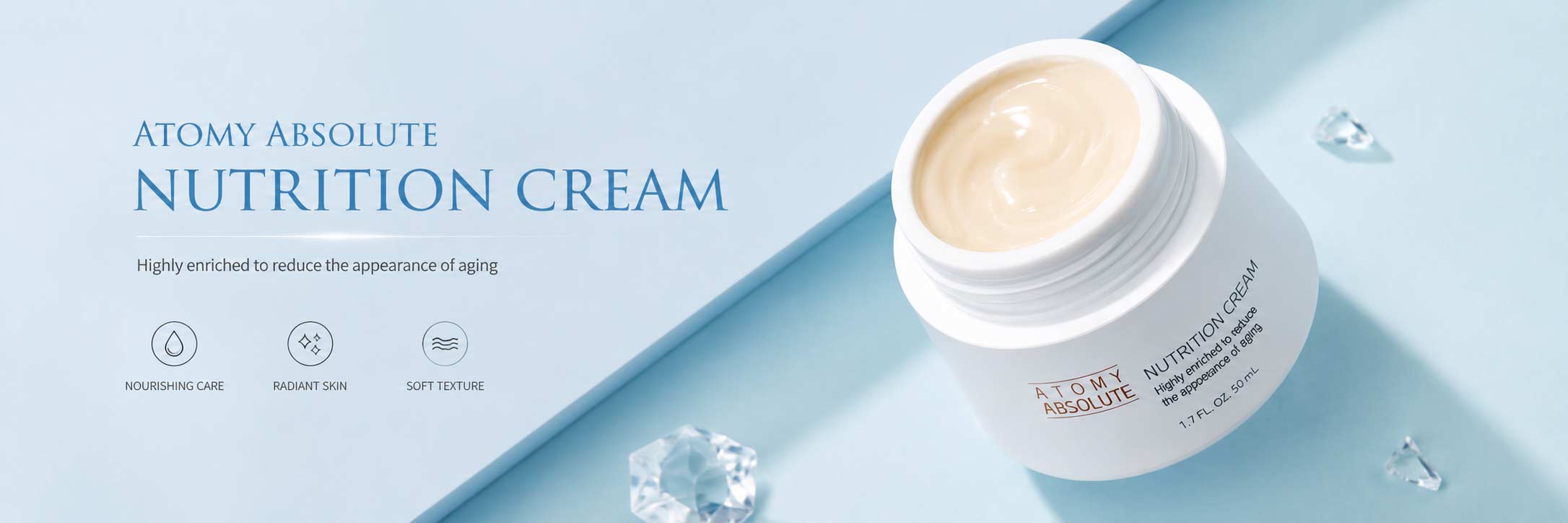
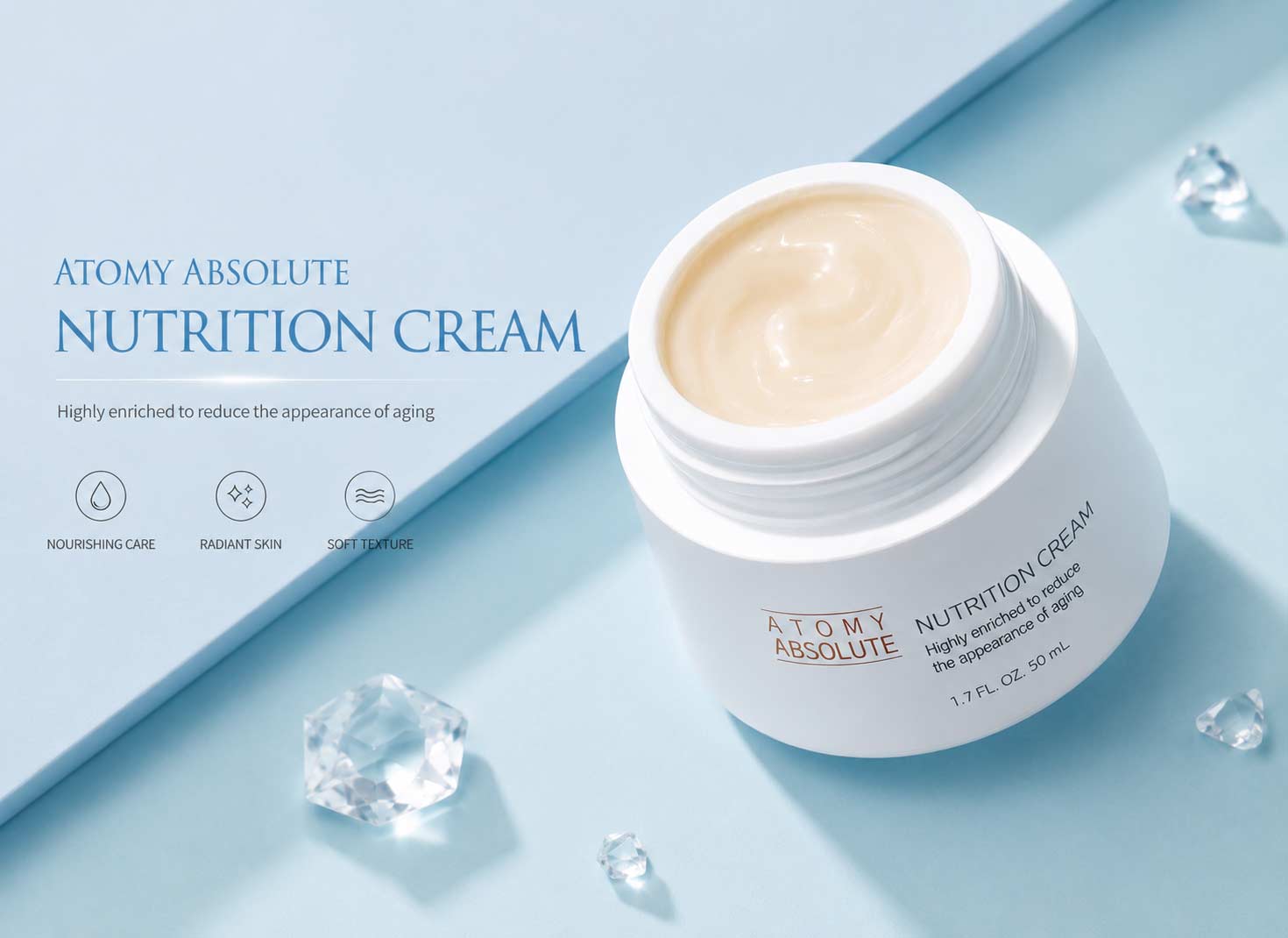
- Atomy Absolute Skincare Set – A full routine that makes daily care easier to stick to.
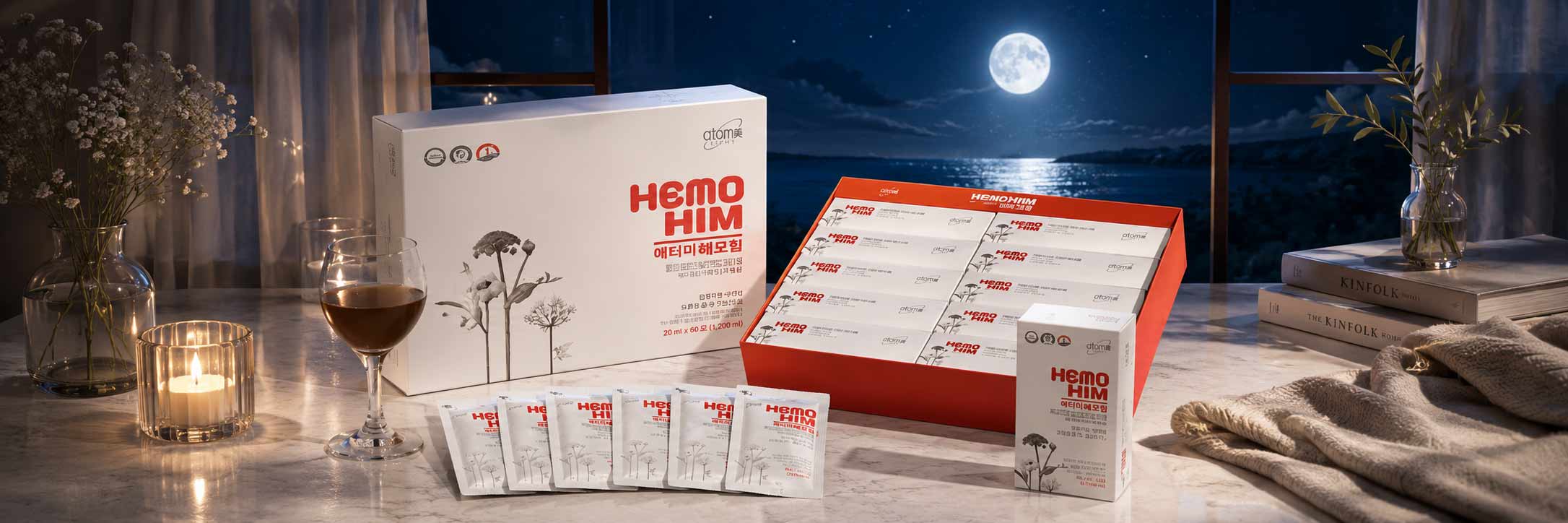
- Atomy Hemohim – A well-known wellness option for people who like consistency.
- Atomy Probiotics – A practical everyday choice for balance and comfort.
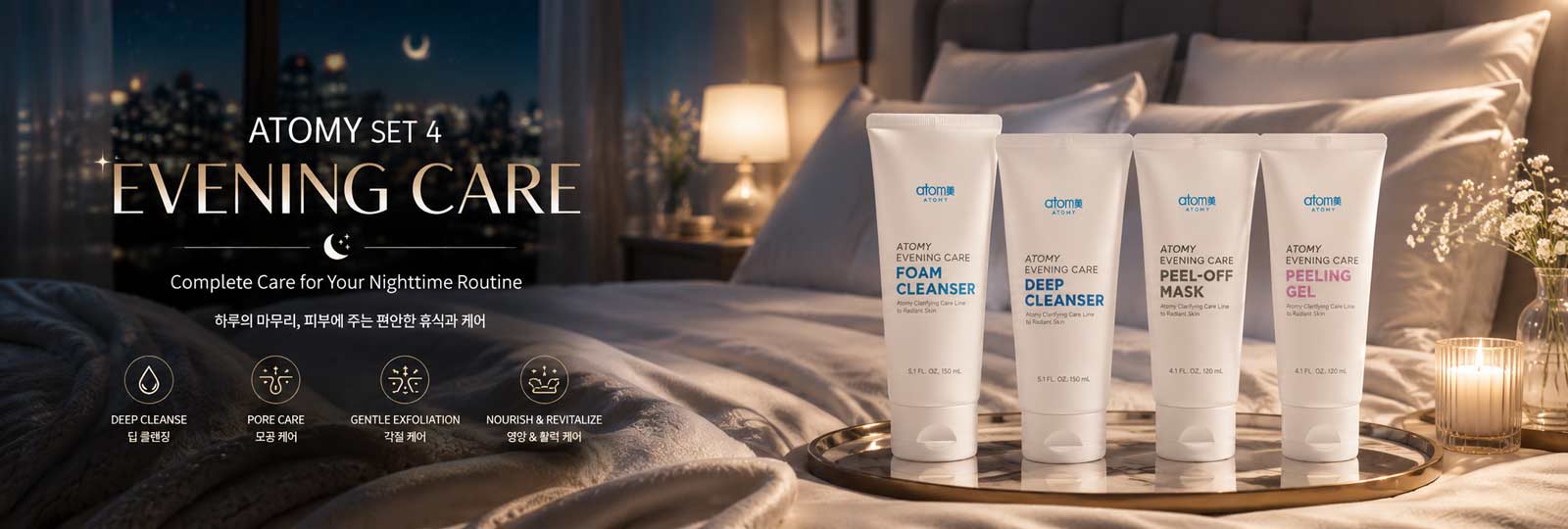
- Atomy Evening Care Set – A night routine that leaves your skin feeling refreshed.
- Atomy Omega-3 – Easy to add to your daily schedule without hassle.
- Atomy Herbal Shampoo – Gentle cleansing that feels comfortable for daily use.
- Atomy Toothpaste – Daily freshness and a clean feel, made simple.
- Atomy Deep Cleanser – Deep cleansing with a lightweight finish.
- Atomy Vitamin C – An easy-to-keep habit for everyday antioxidant support.
- Atomy Mineral Compact – Natural-looking coverage that stays comfortable.
Form note: If you see “Sponsor/Referral”, enter the official Sponsor ID shown on this page to continue.